Everything You Need To Create Better Quizzes
Turn files, text, links, video and audio into ready-to-use quizzes with 7 question types, difficulty and audience controls, and 100+ languages.
See Quizy AI In Action
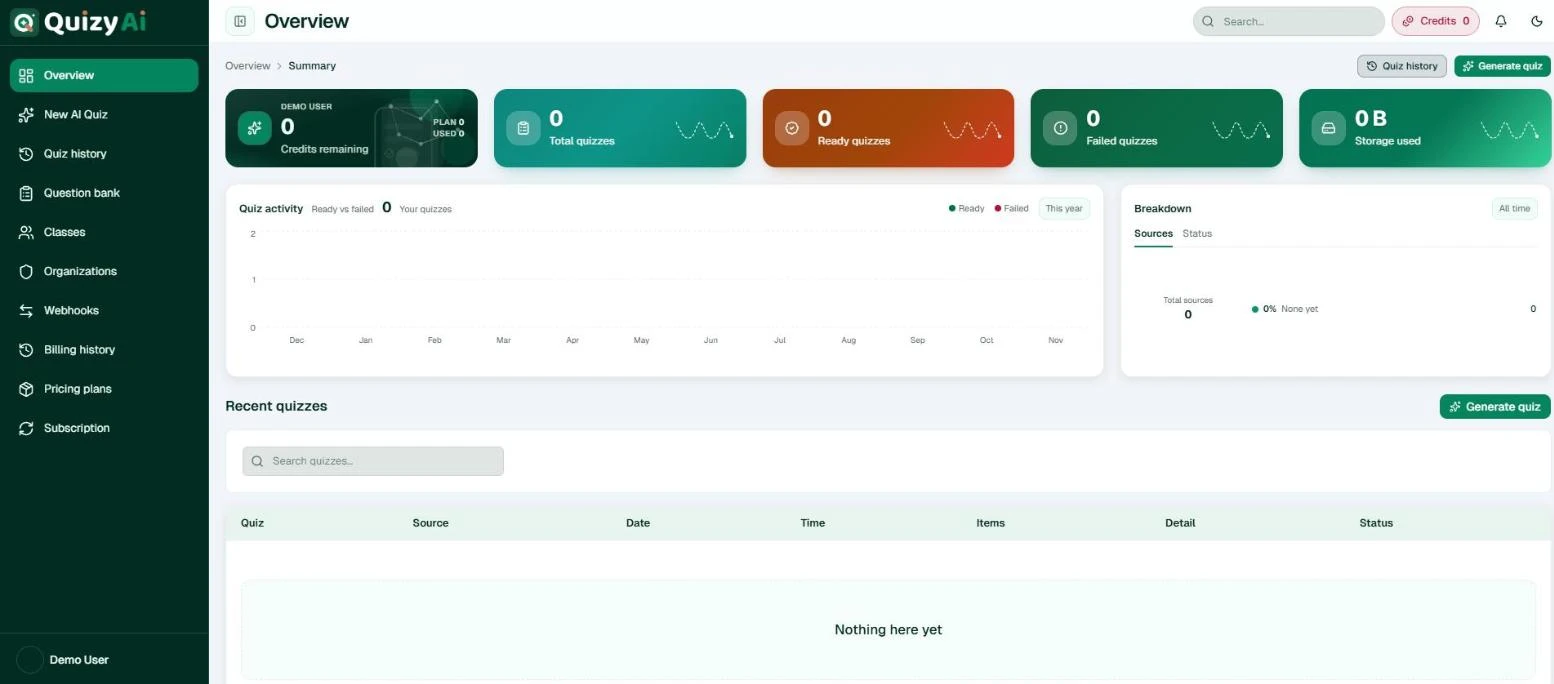
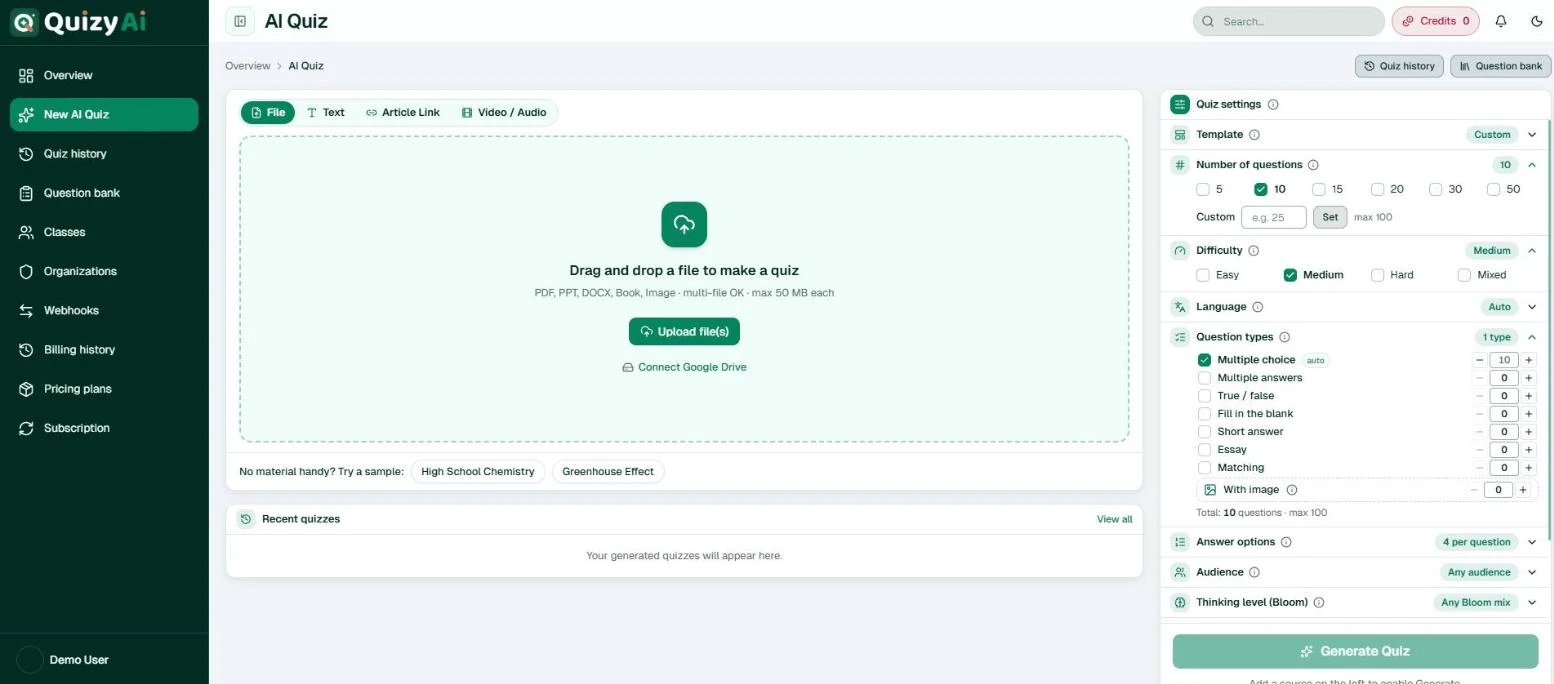
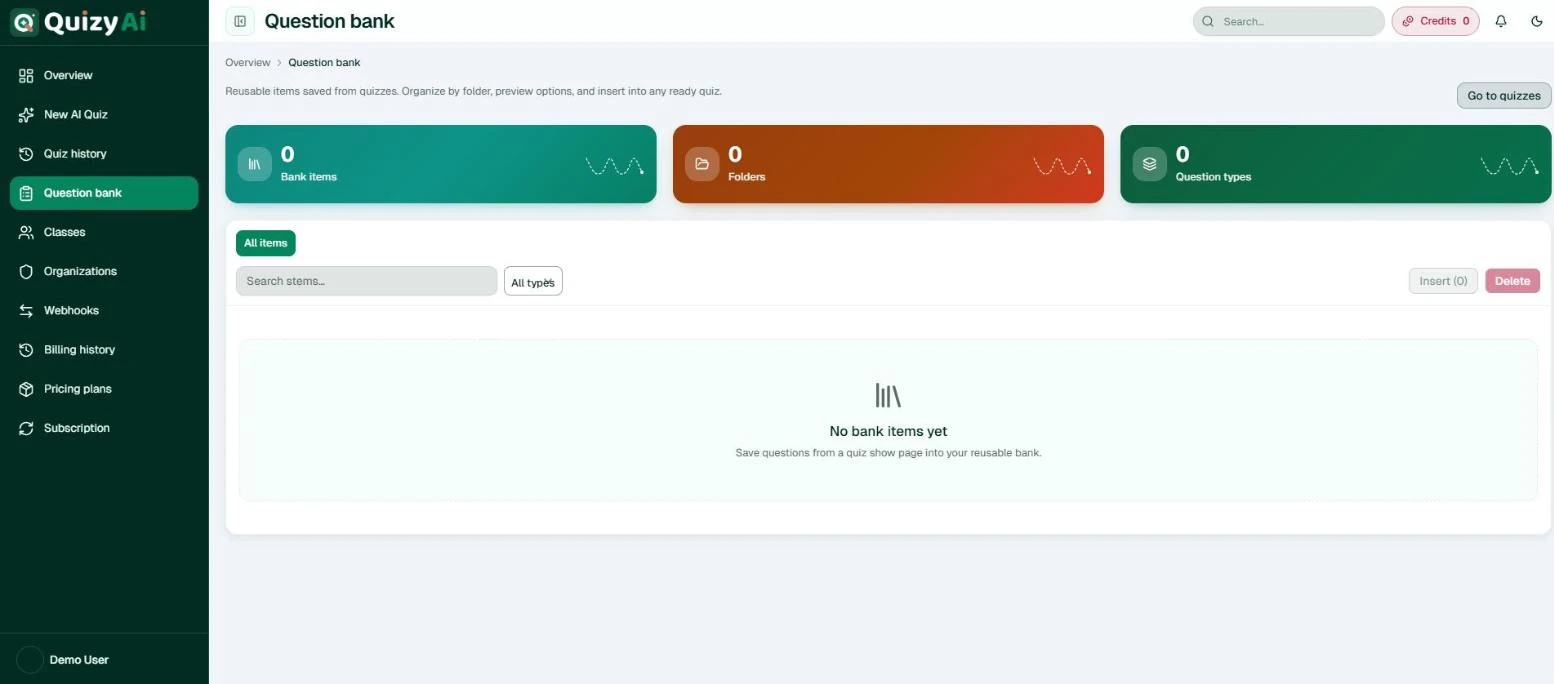
A quick look at the real Quizy AI workspace, from generating a quiz to reusing questions and running classes.
Built For Better Quiz Creation
Quizy AI combines the core tools needed to draft, refine, and prepare useful quizzes in less time.
AI Question Generation
Generate up to 100 questions from a file, pasted text, an article link, or a video.
Multiple Question Types
Mix 7 question types, from multiple choice and matching to essay, plus image questions.
Difficulty Control
Pick Easy, Medium, Hard, or Mixed, and set the audience from K–5 to professional.
Smart Answer Options
Choose 2 to 6 answer choices for every multiple choice and multiple answer question.
Content-Based Quizzes
Upload PDF, PPT, DOCX, book, or image files up to 50 MB each, or import from Google Drive.
Easy Quiz Sharing
Share, export for free, or go live, and assign quizzes to classes with due dates.
Generate Questions Faster
Quizy AI helps turn supplied topics or content into structured quiz questions, giving you a stronger starting point without writing every prompt from scratch.
Choose Your Question Format
Multiple Choice
Create clear options for quick checks and assessments.
True Or False
Use simple prompts for fast knowledge review.
Short Answer
Ask learners to explain ideas in their own words.
Multiple Answers
Ask learners to select every correct option.
Fill In The Blank
Check recall by completing key sentences.
Essay And Matching
Go deeper with essay prompts or pair related items.
Set The Right Difficulty
Choose Easy, Medium, Hard, or Mixed to blend all three. Then set the audience, from K–5 to college and professional, and the Bloom thinking level, from remembering facts to analysing and evaluating.
Turn Content Into Quizzes
Start from the material you already have. Quizy AI reads your files, text, links, and media, and keeps every question tied to that source.
Question Draft
Which answer best matches the concept?
A. Clear and relevant option B. Plausible distractor C. Related but incorrect D. Needs reviewCreate Better Answer Choices
Prepare answer choices that match the question context, stay easy to review, and keep quiz formatting consistent.
Make Each Quiz Your Own
Language
Generate in 100+ languages, or match your source automatically.
Question Count
Pick 5 to 50 questions, or set a custom count up to 100.
Difficulty Level
Easy, Medium, Hard, or Mixed for each quiz.
Question Format
Tick the types you want and set how many of each.
From Content To Quiz In Simple Steps
Add Content
Set Preferences
Generate Questions
Review And Share
Share Quizzes Easily
Every quiz is saved in your Quiz history, where you can open, share, export, or go live. Exports are free on every plan.
Built For Classrooms And Teams
Quizy AI goes past one-off quizzes with tools to reuse questions, run classes, and work as a team.
Question Bank
Save questions from any quiz, organize them in folders, and insert them into new quizzes.
Classes
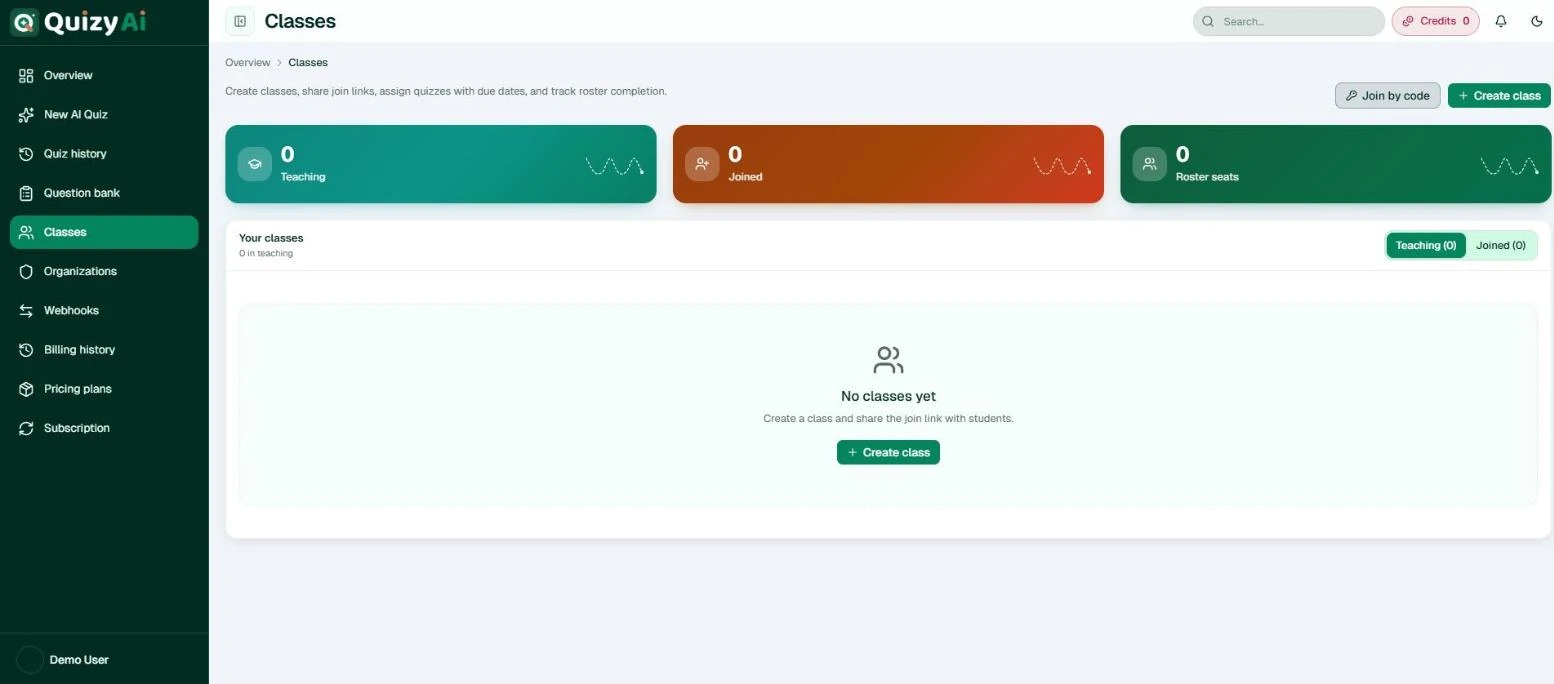
Create classes, share join links or codes, assign quizzes with due dates, and track roster completion.
Organizations
Team workspaces with branding, roles, and shared classes for your school or department.
Quiz Templates
Start from presets like Quick check, Standard classroom, College exam, or Professional training.
100+ Languages
Write questions in English, Spanish, Bengali, Hindi, Arabic, Japanese, and 100+ more.
Webhooks
Receive signed HTTP callbacks when a quiz finishes generating, verified with HMAC-SHA256.
Built For Different Users
Teachers
Create practice quizzes and classroom assessments.
Students
Turn study material into practice questions.
Course Creators
Add interactive quizzes to lessons.
Training Teams
Create knowledge checks for training content.
Less Manual Work, More Quiz Creation
Save Preparation Time
Create More Practice Material
Reduce Repetitive Work
Maintain Question Variety
Adjust Quiz Difficulty
Simplify Sharing
Review Every Question
AI-generated questions should be reviewed and customized before they are used for important educational or professional purposes.
A Complete Quiz Creation Workflow
Built For Real Learning Workflows
Avery Moore
Teacher
Quizy AI helps me prepare practice questions faster while still giving me room to review and edit each item.
Sofia Lee
Course Creator
I use it to draft short quizzes for lessons. The question formats are simple to shape for each module.
Jordan Reed
Training Manager
It gives our team a cleaner way to create knowledge checks from training material.
Feature Questions
Quizy AI generates quizzes from files, text, links, video and audio, with 7 question types, difficulty, audience and Bloom controls, 100+ languages, templates, a question bank, classes, organizations, webhooks, and free exports.
Yes. Upload PDF, PPT, DOCX, book, or image files up to 50 MB each, paste text, add an article link, use video or audio, or import from Google Drive.
Multiple choice, multiple answers, true or false, fill in the blank, short answer, essay, and matching. You can also include image questions built from the pictures in your file.
Yes. Choose Easy, Medium, Hard, or Mixed, and set the audience and Bloom thinking level for each quiz.
Yes. AI-generated questions are intended to be reviewed, edited, and customized before use.
Yes. You can combine different question formats to create a balanced quiz.
Yes. Teachers can use Quizy AI to prepare review quizzes, practice questions, and classroom assessments.
Yes. Businesses can create knowledge checks and training quizzes from onboarding or learning content.
Yes. Open any quiz from Quiz history to share it, export it for free, or go live. You can also assign quizzes to classes with due dates.
Yes. Review each question for accuracy, wording, difficulty, and answer quality before using it in important settings.
Create Your Next Quiz Faster
Use a simple AI-powered workflow to turn your content into useful quizzes.